QR Code Generators: How to Create Trackable QR Codes
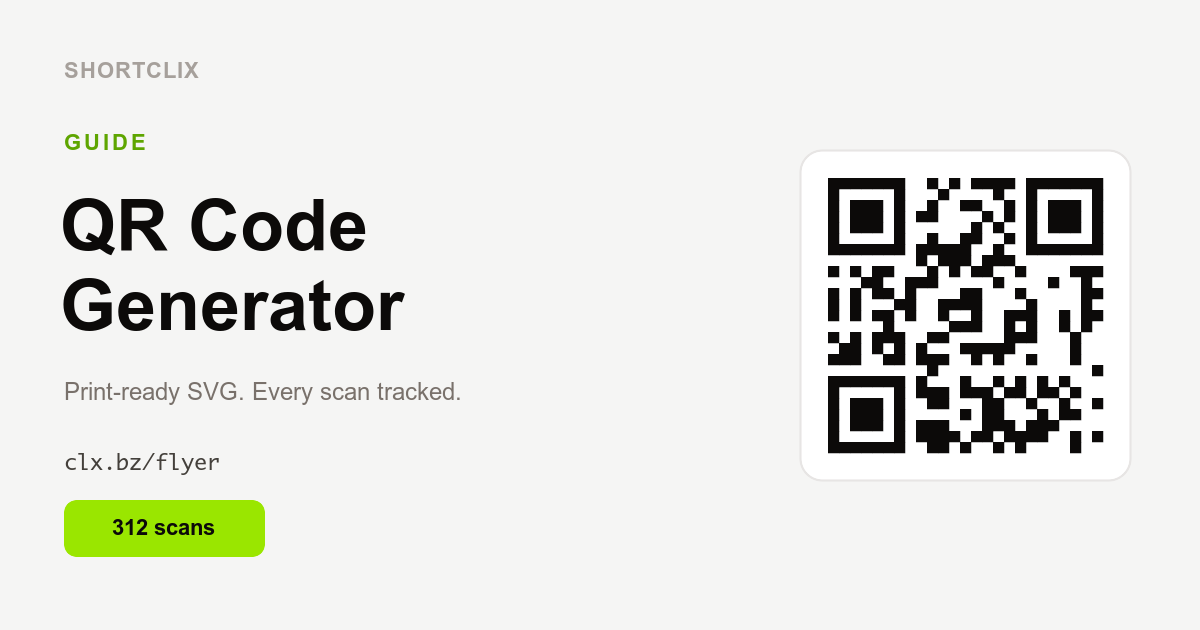
A QR code generator creates a scannable square barcode that opens a link when someone points their phone camera at it. The most useful generators also let you track each scan, so a poster, flyer or business card becomes as measurable as a web page.
What is a QR code?
A QR (Quick Response) code is a two-dimensional barcode that stores a web address. Modern phone cameras read it instantly — no app required — and open the link. For marketing, the magic is in pairing the QR code with a trackable short link, so every scan is counted just like a click.
Why SVG QR codes are best for print
Most free generators hand you a small PNG image. The problem: PNGs are made of fixed pixels, so they blur or look jagged when you scale them up for a poster or a banner. An SVG QR code is a vector file — it stays razor-sharp at any size, from a business card to a billboard. That is why SHORTCLIX provides a print-ready SVG QR code for every link, in every plan, including the free one.
How to make a trackable QR code
- Shorten your link. Create a short link for the page you want to promote.
- Download the SVG QR code. Every SHORTCLIX link comes with one automatically.
- Place it on your material. Add it to a poster, flyer, package, menu or business card.
- Watch the scans. Because the QR code points to your short link, each scan is tracked with time, location and device — and lands in your reports.
Where to use QR codes
- Posters, flyers and outdoor ads
- Product packaging and labels
- Business cards and email signatures
- Restaurant menus and event signage
- Print magazines, brochures and catalogues
For the first time, you can compare an offline campaign against an online one using the same metric: scans and clicks side by side.
QR code best practices
- Keep enough contrast between the code and its background so cameras read it reliably.
- Leave a quiet zone (clear margin) around the code.
- Size it for the scan distance — bigger for posters, smaller for cards.
- Always test it with a couple of phones before you print.
- Add a short call to action like “Scan to get 10% off” so people know why to scan.
Track every scan with SHORTCLIX
SHORTCLIX is a free QR code generator and URL shortener in one. Create your free account to generate your first print-ready QR code, and read our guides on how URL shorteners work and automating links with an API and AI.